· Tech
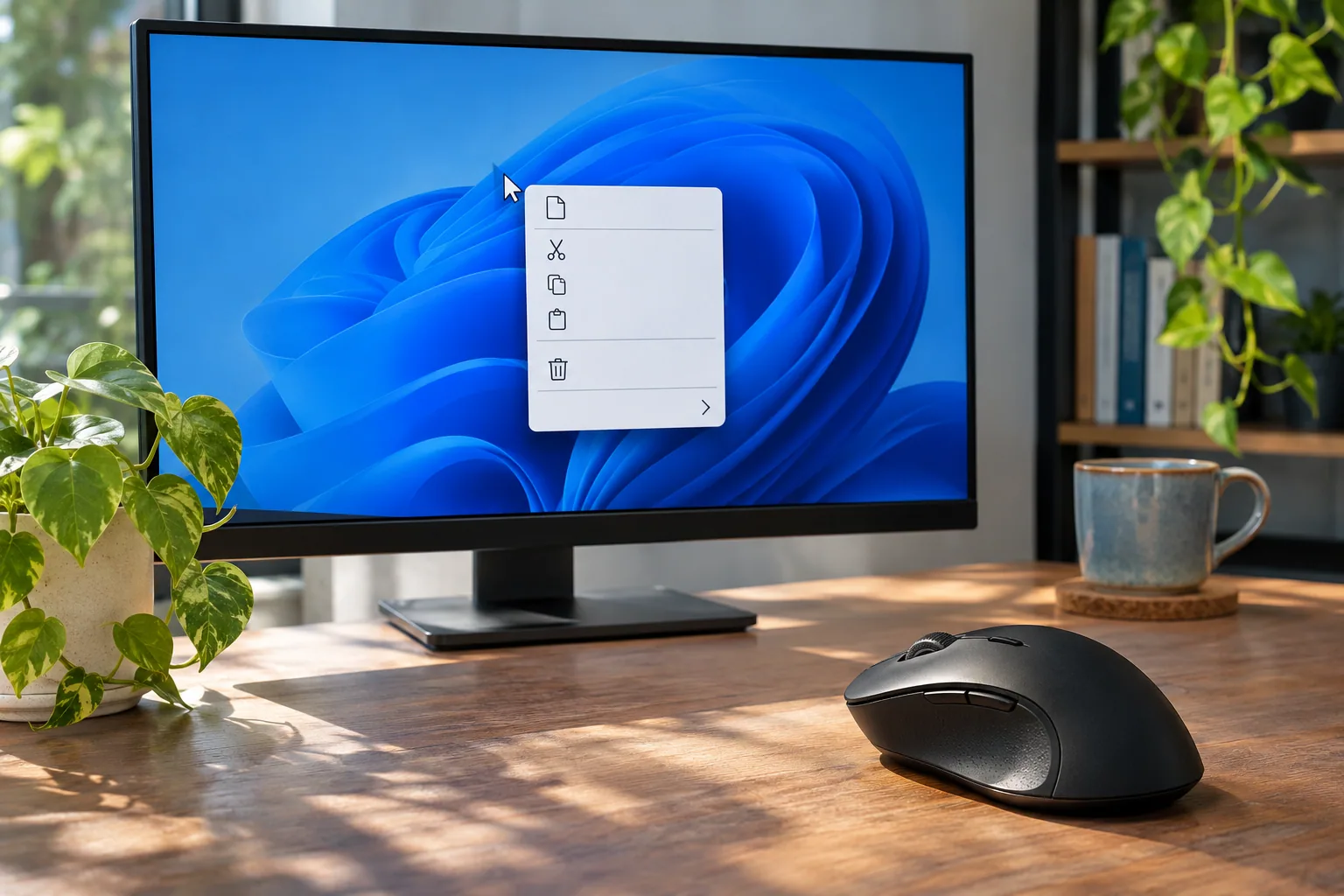
Windows 11 Classic Right-Click Menu: Find Older App Commands Faster
Find older app commands in Windows 11’s right-click menu, and learn the limits and rollback steps for an unofficial Registry workaround.
Find older app commands in Windows 11’s right-click menu, and learn the limits and rollback steps for an unofficial Registry workaround.
Windows 11 freezes and Event ID 41 appears? Learn what the log can tell you, how to compare related events, and when to seek a hardware diagnosis.
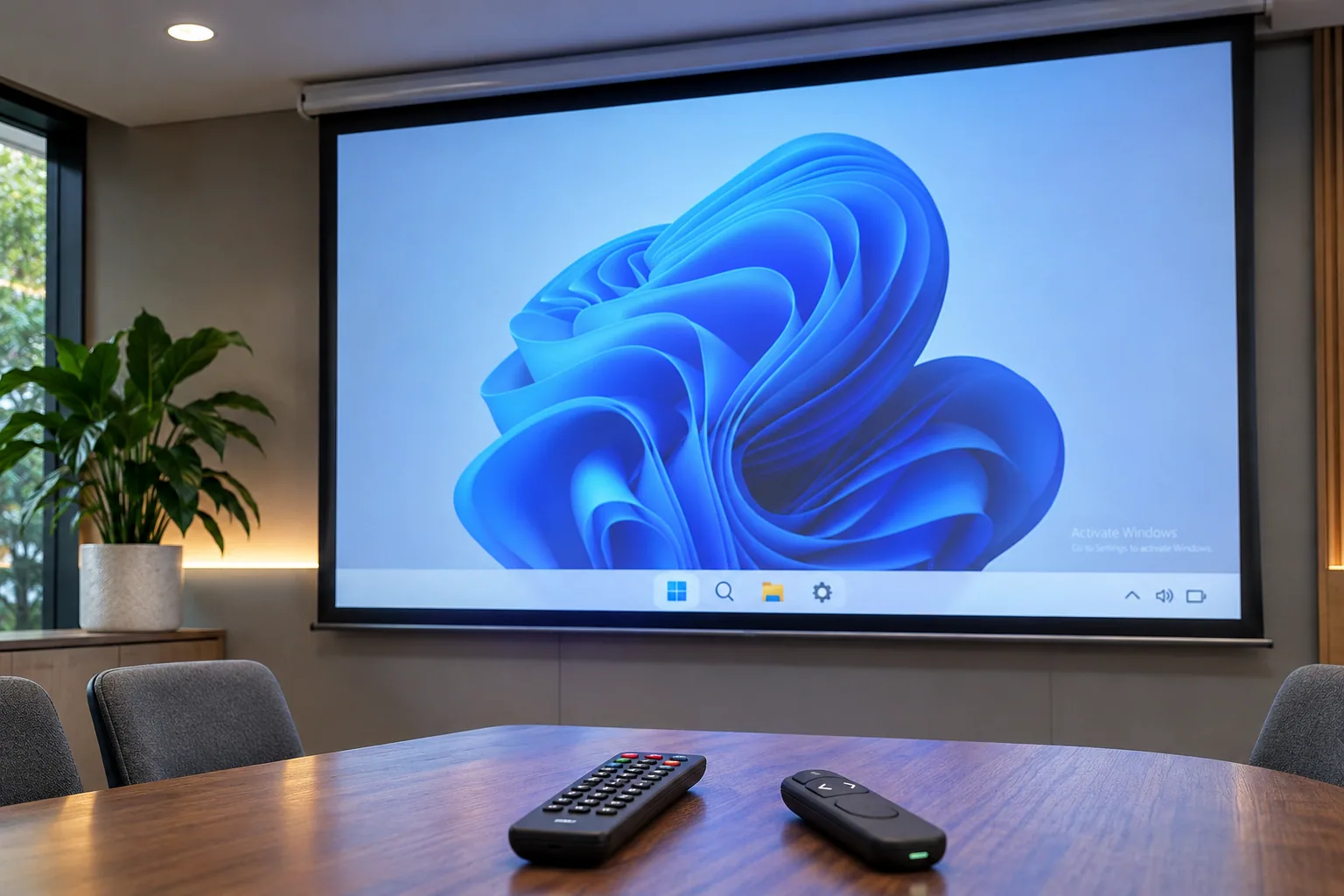
Use Windows Settings to check the activation status and error code, then follow the troubleshooter or your organization’s licensing support path.
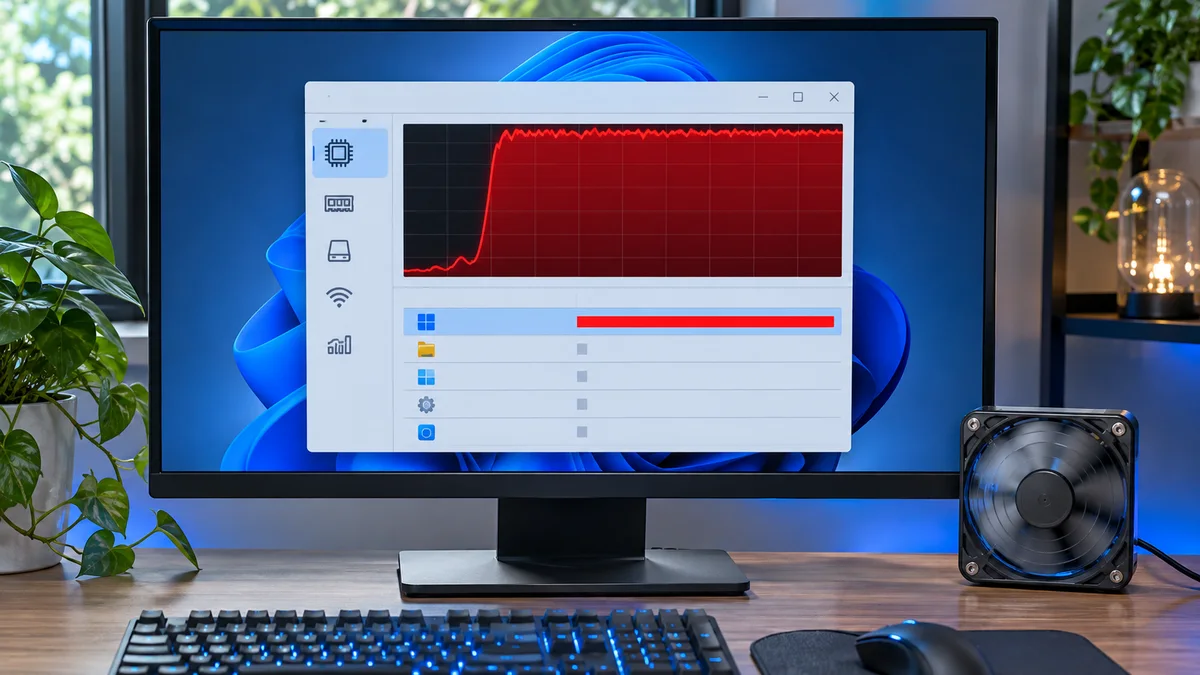
Battle-tested guide to diagnose and fix 100 percent CPU usage caused by Windows System processes right before a critical meeting.
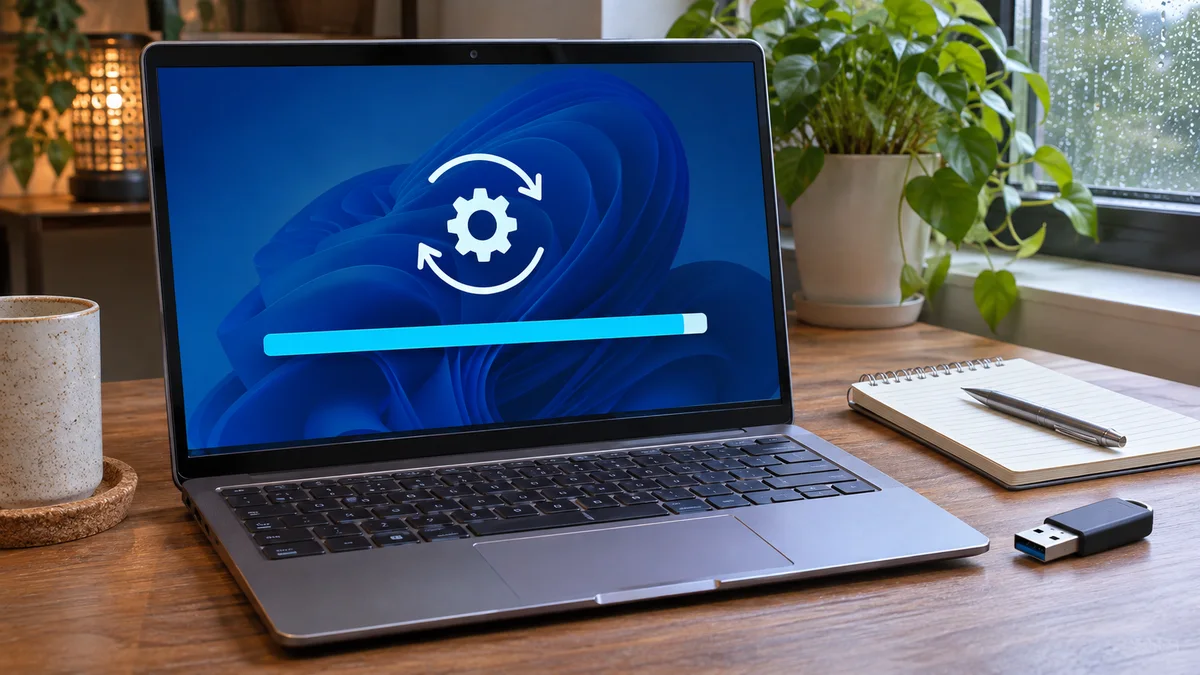
What to check when a Windows 11 update appears stuck at 100%, plus the documented SoftwareDistribution cache reset steps.
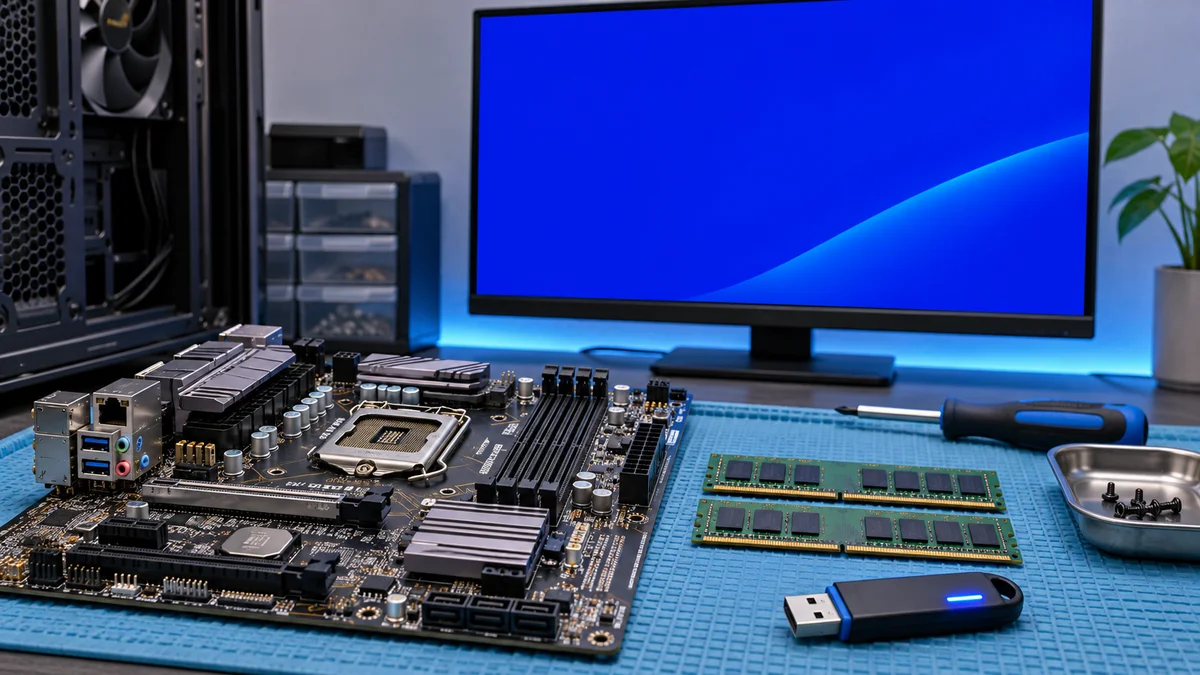
A cautious troubleshooting sequence for Windows Stop Code 0x0000000A (IRQL_NOT_LESS_OR_EQUAL), including memory checks, recent driver changes, and system-file repair.
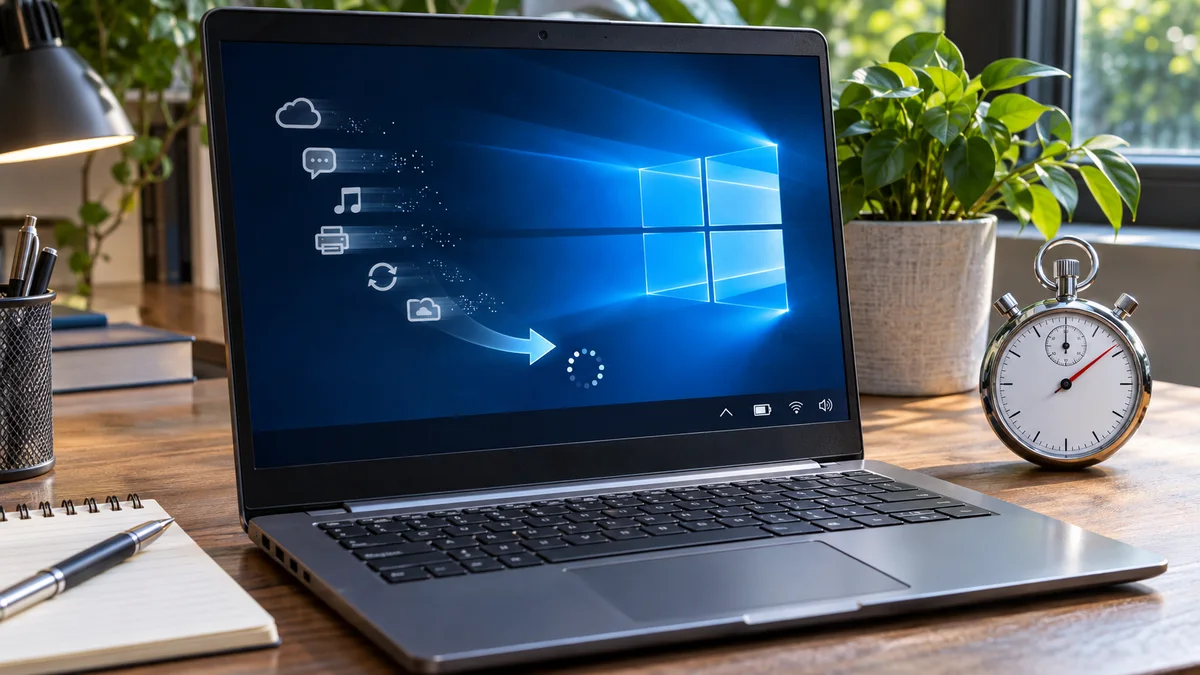
Fix a sluggish Windows 10 boot time in under 60 seconds before your next NYC corporate sync using this quick startup app cleanup guide.
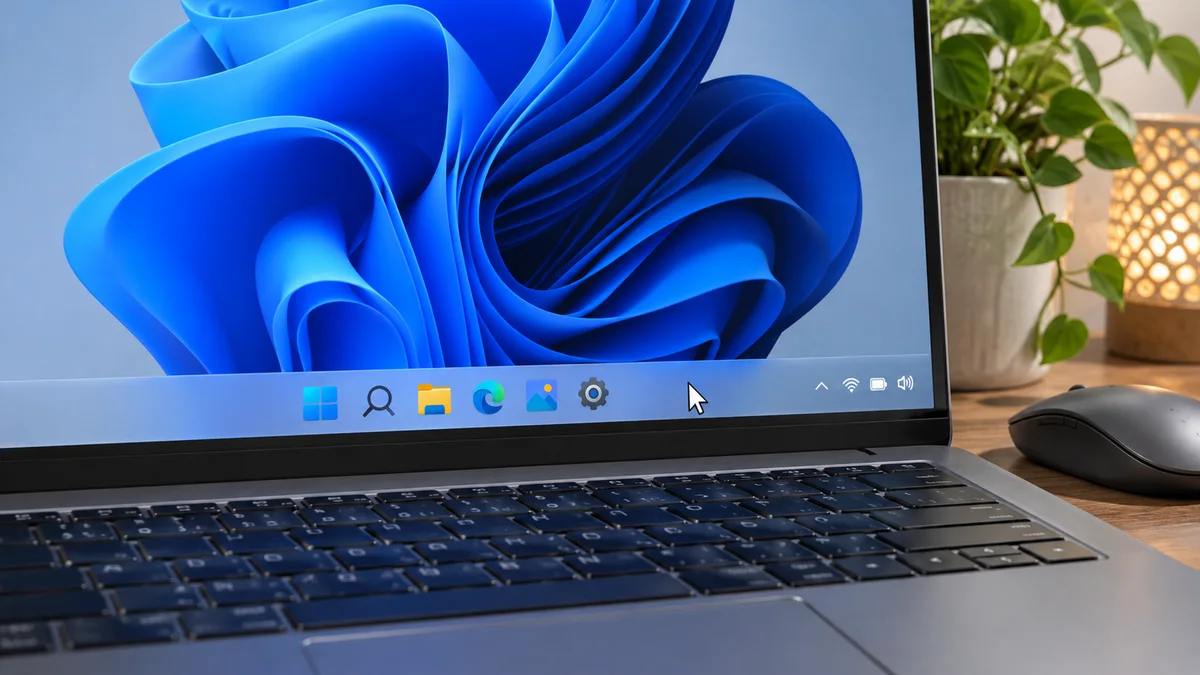
A safe order for checking a Windows 11 taskbar that will not respond: restart Explorer, save your work, and investigate recurring problems.
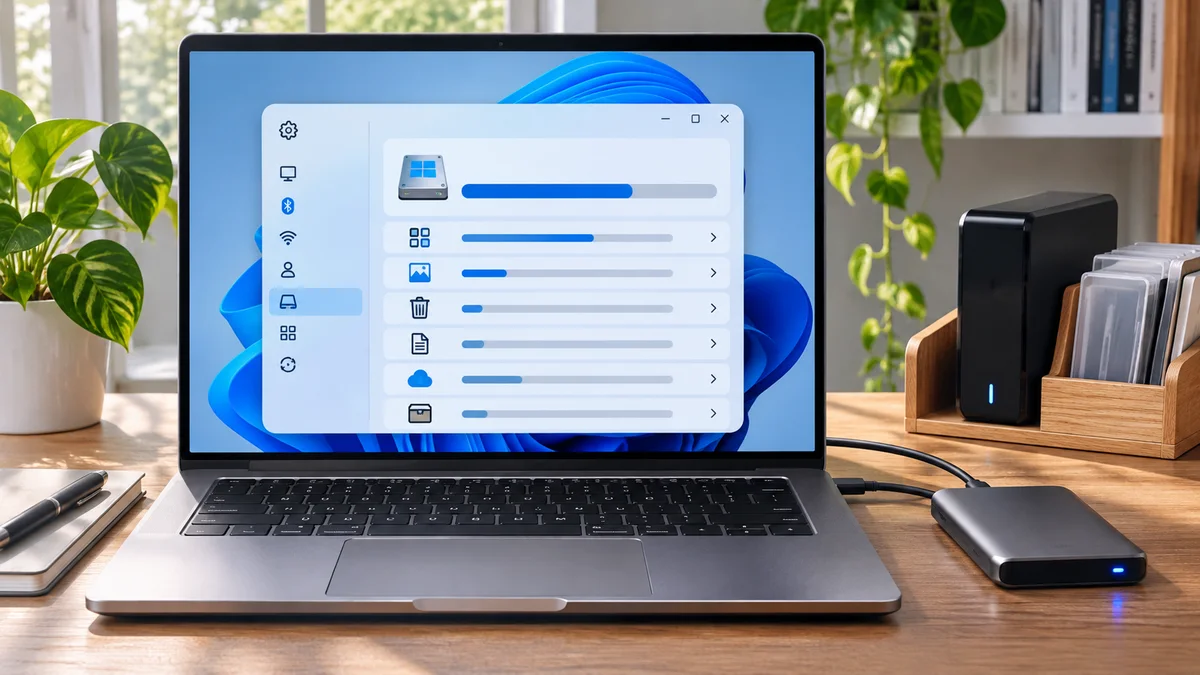
Recover massive storage space on Windows 11. Learn how to safely delete temp files and fix a full C drive before your next big deadline.
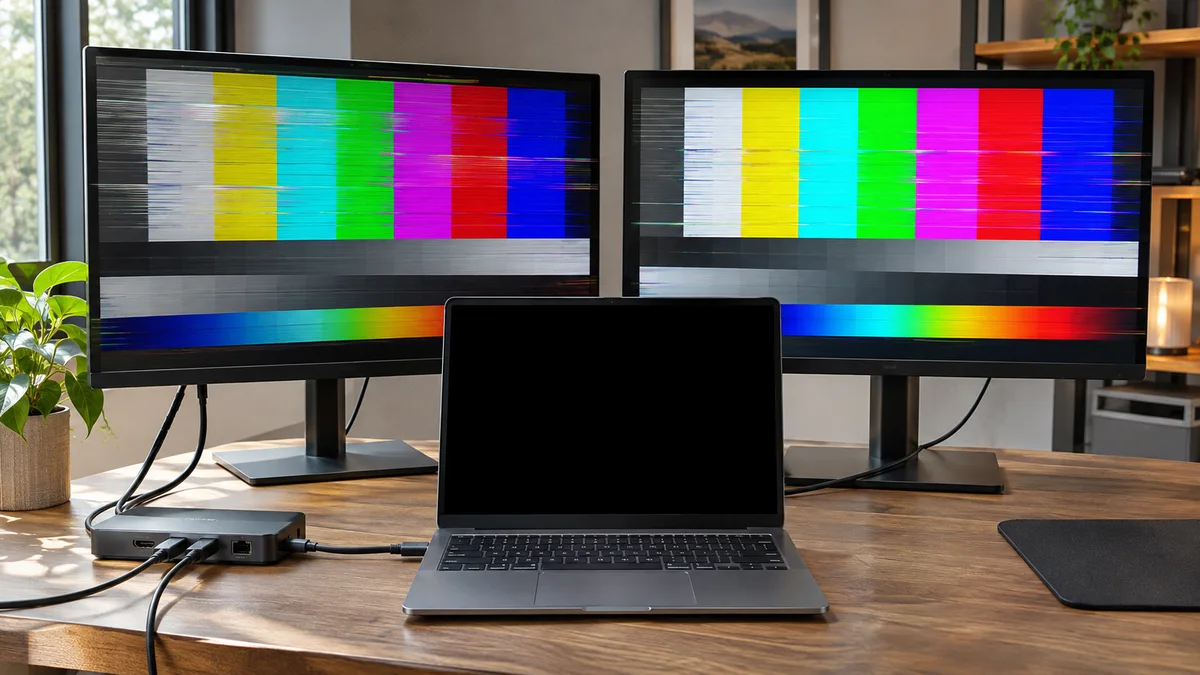
If an external monitor goes blank or flickers, check its input, cable, Windows display settings, and dock before removing drivers or changing the registry.
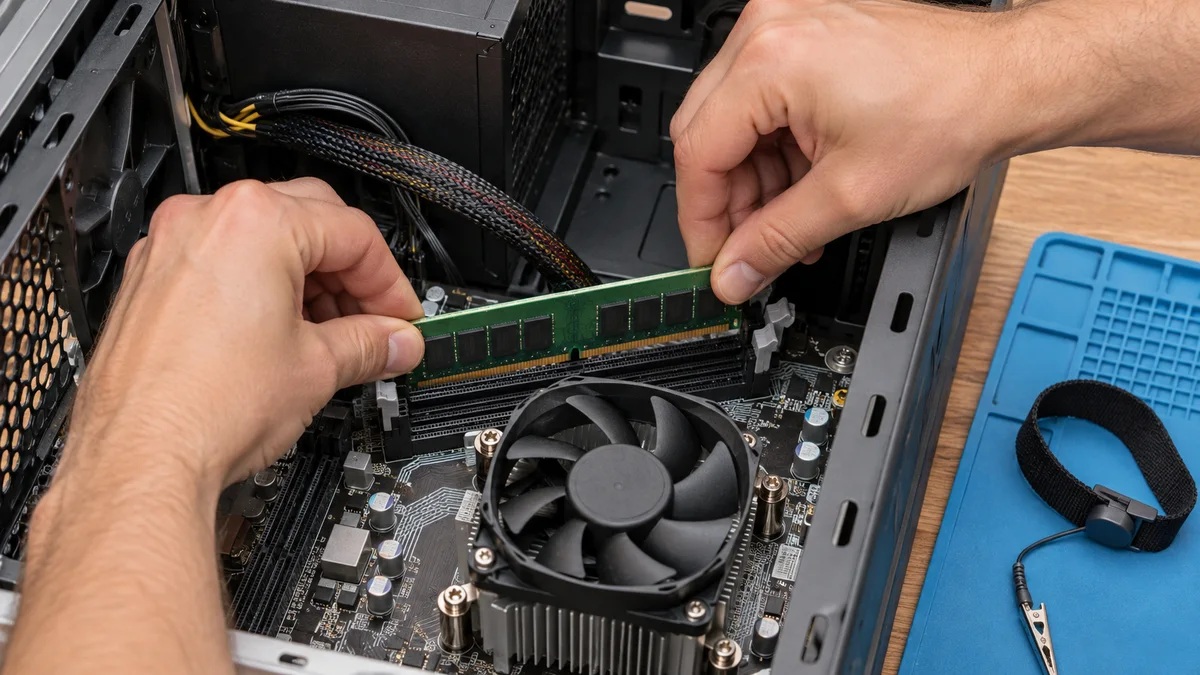
Check RAM seating and slot diagnostics when a PC powers on but shows a black screen, with model-specific precautions and startup checks.
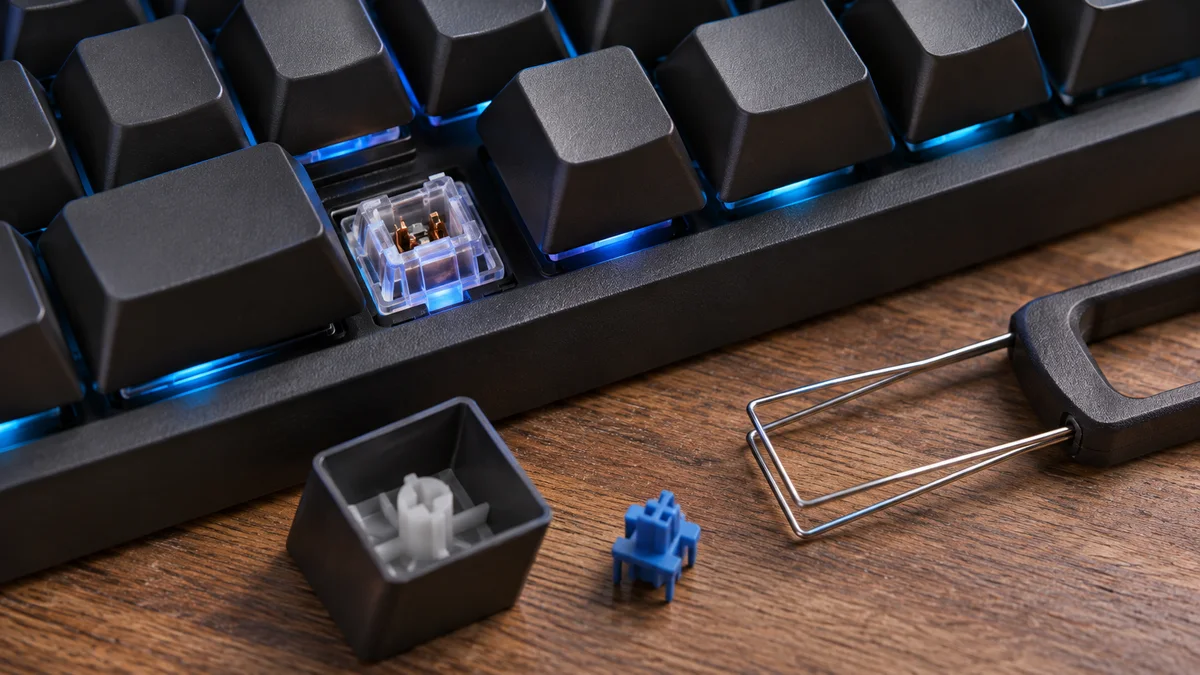
A key repeating or failing to register? Compare another port or computer, then check model guidance and warranty before considering switch service.