· Tech
Windows 11 Update Stuck at 100%: Reset the Cache and Find the Cause
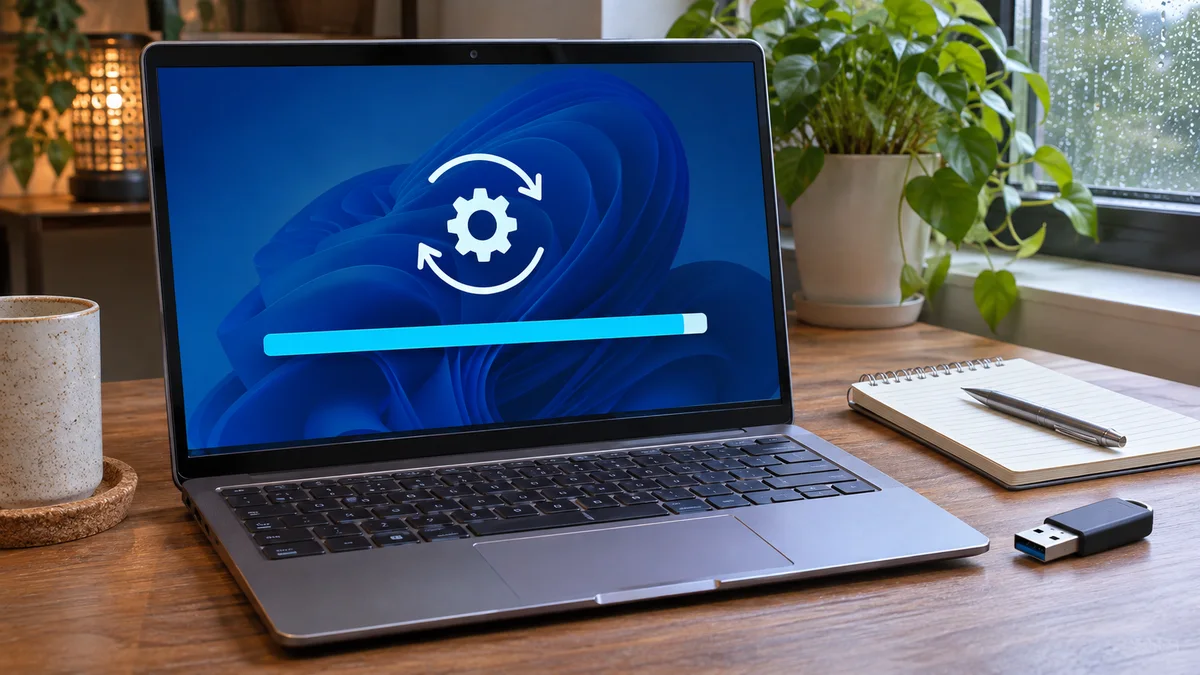
What to check when a Windows 11 update appears stuck at 100%, plus the documented SoftwareDistribution cache reset steps.
What to check when a Windows 11 update appears stuck at 100%, plus the documented SoftwareDistribution cache reset steps.
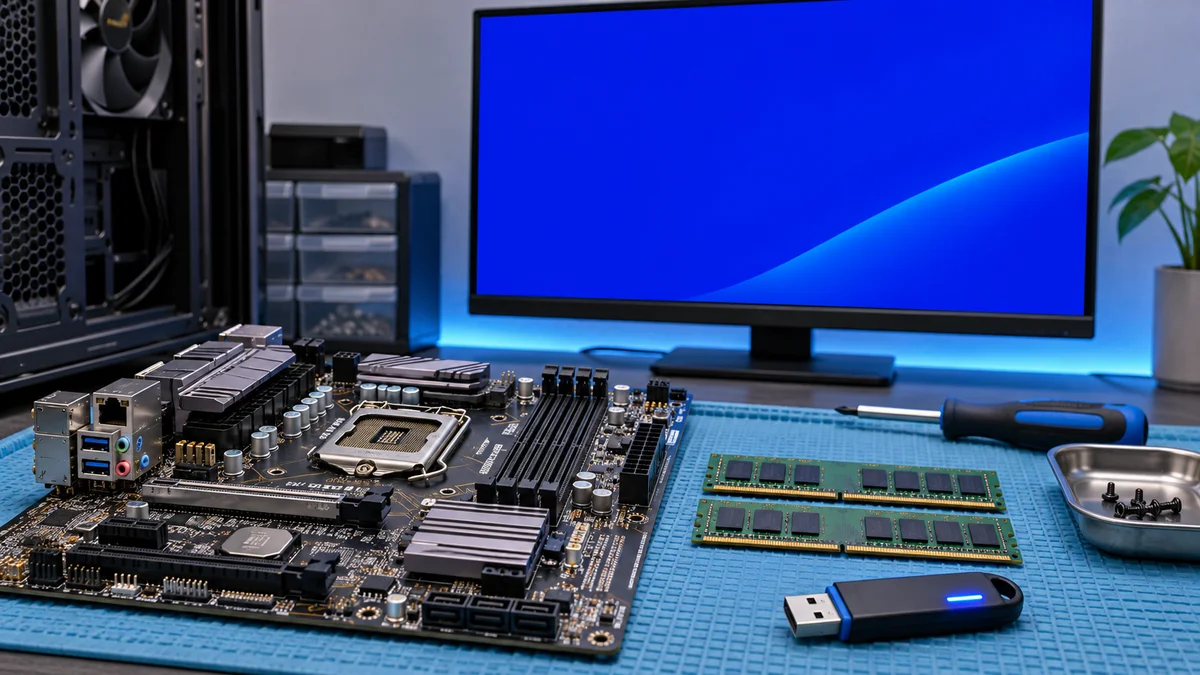
Các bước kiểm tra khả năng liên quan đến RAM, driver và tệp hệ thống khi gặp lỗi Blue Screen 0x0000000a.
A cautious troubleshooting sequence for Windows Stop Code 0x0000000A (IRQL_NOT_LESS_OR_EQUAL), including memory checks, recent driver changes, and system-file repair.
Windows 블루스크린 0x0000000A(IRQL_NOT_LESS_OR_EQUAL)가 나타났을 때 메모리 진단, 최근 드라이버 확인, 시스템 파일 복구를 안전하게 점검하는 순서를 안내합니다.
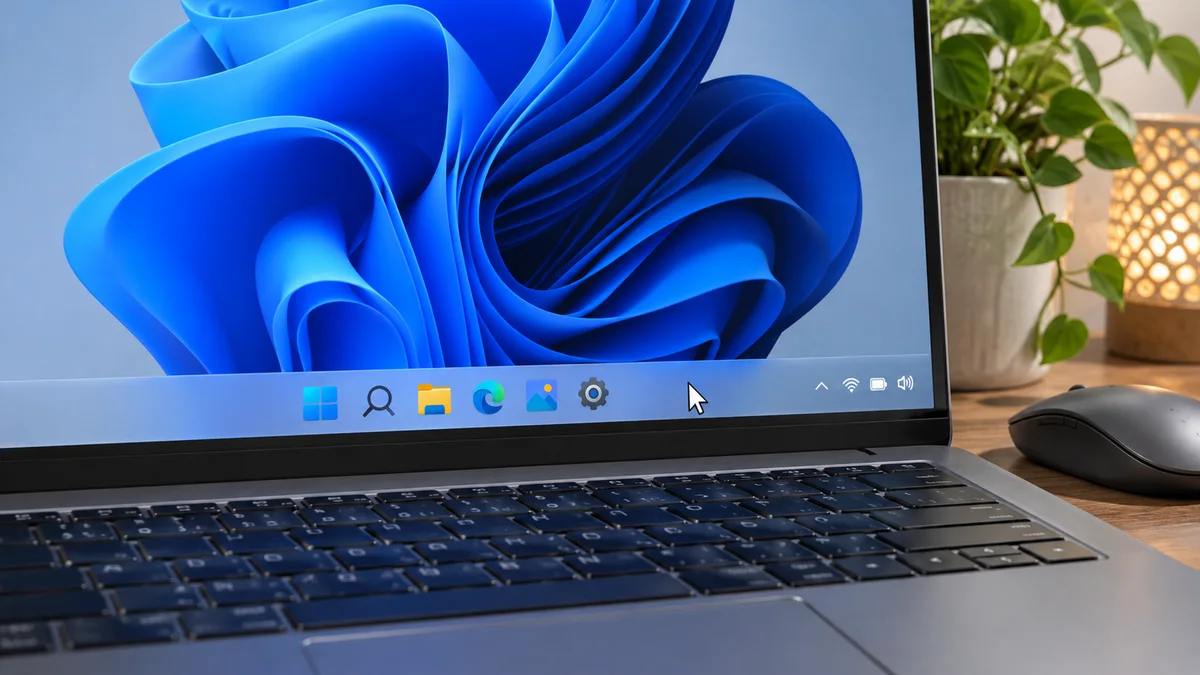
Praxisnaher Leitfaden zur schnellen Fehlerbehebung, wenn die Windows 11 Taskleiste nicht mehr reagiert. Ohne langes Suchen, direkt anwendbar.
Windows 11のタスクバーが反応しないとき、エクスプローラーの再起動や更新状況の確認を安全な順番で進める方法を解説します。